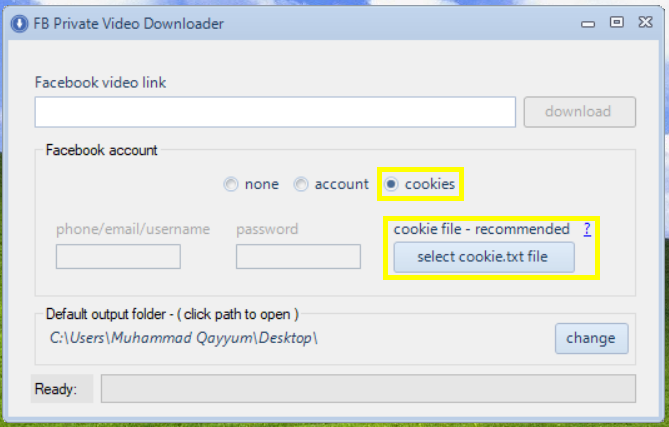
With FB Private Video Downloader now you can download fb private videos very easily. Here i will guid you through the process.
First, you need to download and Install FB Private Video Downloader
Secondly, download and install an extension to download cookie text file depending on your browser where you use facebook.com.
Get cookie.txt file in Chrome
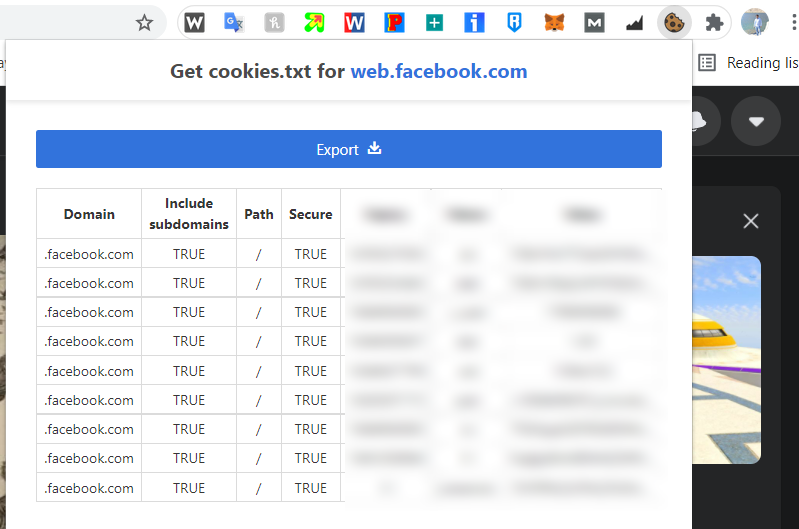
Login to your facebook.com account on chrome and click the extension icon and click the Export button.
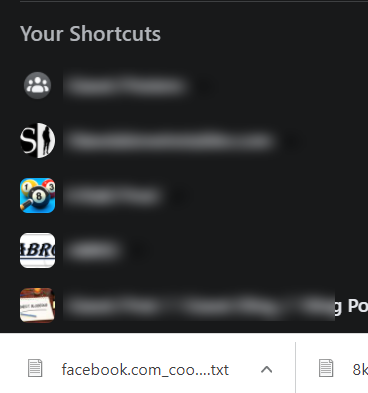
A text file will be downloaded with cookie information. (Do not share this file with anyone)
Now start FB Private Video Downloader and select cookie option from account section and click “select cookie.txt file” button to select cookie text file exported with chrome extension.
Now you can copy any facebook video link to download it.