8K Video Downloader provides different ways to download videos even they are private or are behind accounts. There are two ways to download secure/private/age-restricted videos with 8K Video Downloader.
1- Using Cookie File
Install this Cookies.txt Extension in Chrome Browser.
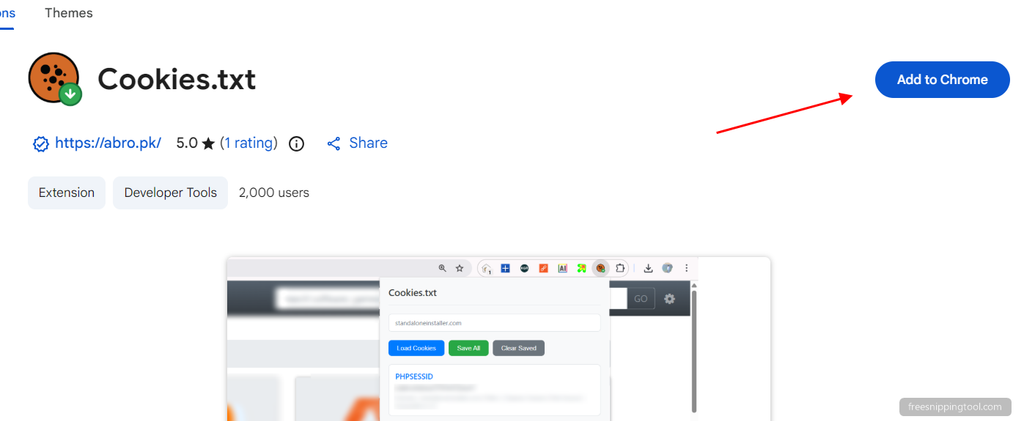
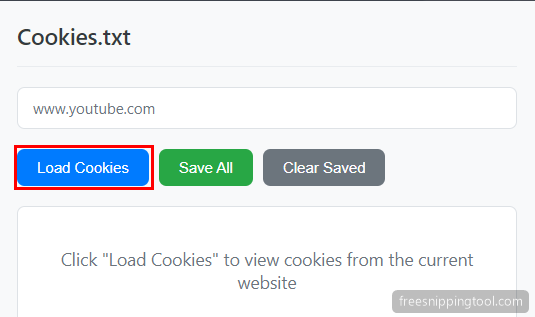
And then click extension icon and hit Load Cookies button to download cookie.txt file.
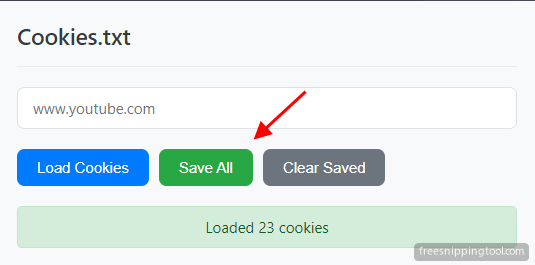
After loading cookies, click Save All button to save cookies.txt file.
Now, open 8K Video Downloader settings and select cookie file by clicking the Select cookie file link.
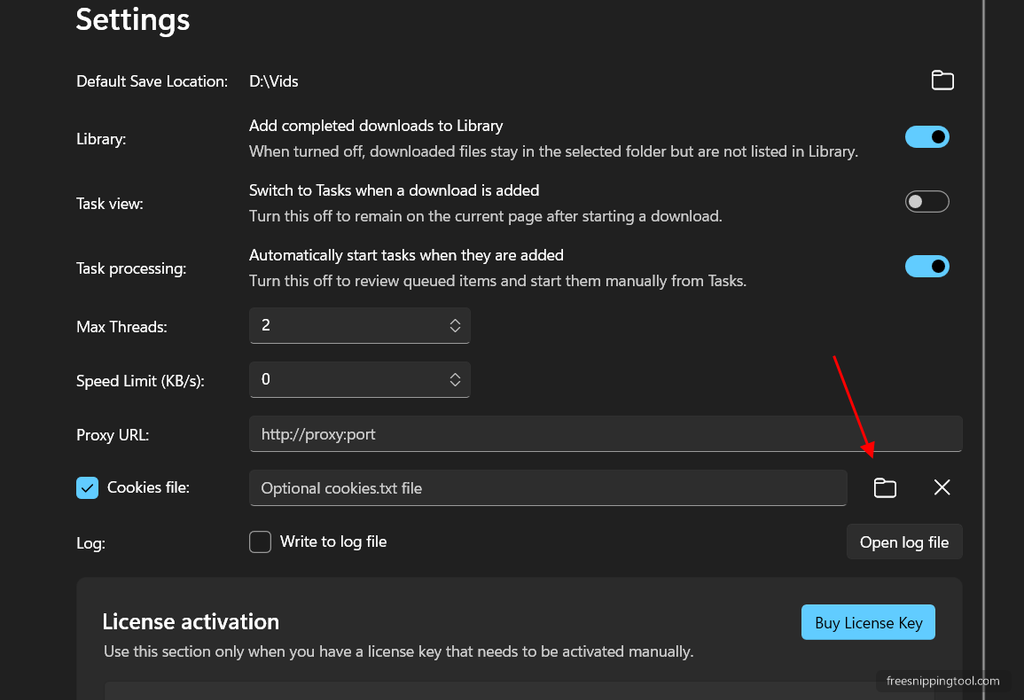
Now you can download private/age-restricted video from youtube with 8k Video Downloader.
Uncheck Cookies file to stop using cookie txt file.

2- Using Accounts (Legacy downloader)
Open 8K Video Downloader settings and then type website, username/email, password, and click Add New button. Now, this account will be used for that website each time you try to download from that site.
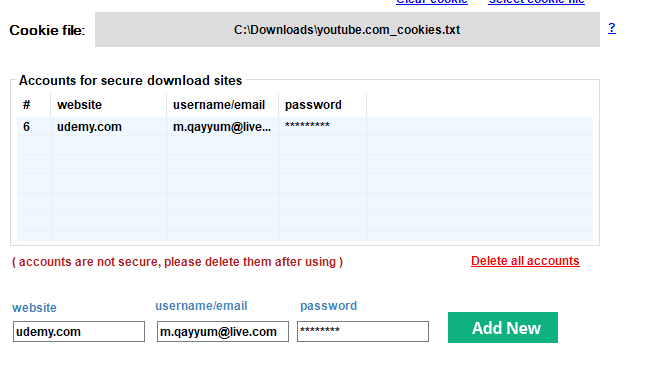
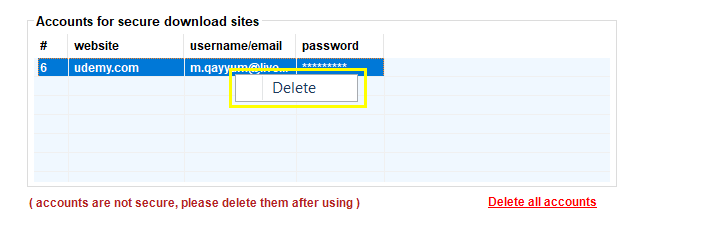
You can remove accounts by right click and hit delete option.